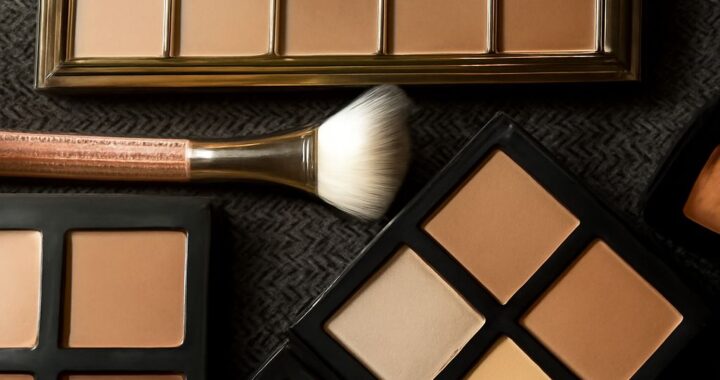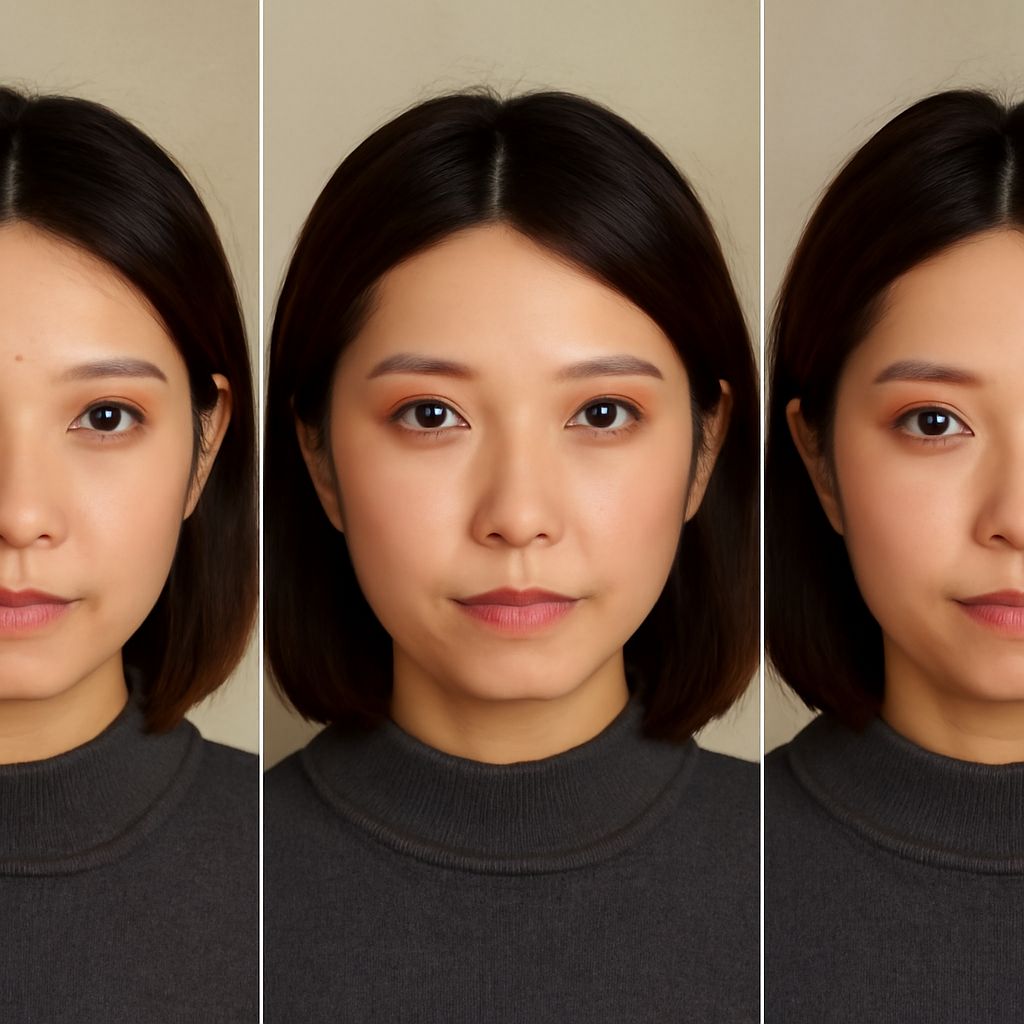
Gone are the days of guessing how a new lipstick shade might look on you. With the rise of makeup simulators, you can now experiment with various makeup looks using just your smartphone. These digital tools, sometimes referred to as makeup testers, allow you to virtually try on products before purchasing, providing an interactive shopping experience that’s both fun and practical.
What is a Makeup Simulator?
A makeup simulator is a digital tool that allows you to virtually apply makeup to an uploaded photo of yourself or through real-time camera technology. By leveraging augmented reality (AR), these simulators map your facial features and overlays digital makeup, giving you a realistic preview of how different products will look. Examples include trying on lipstick, blush, foundation, or eyeshadow. This technology is often integrated into beauty apps and retail websites, making it accessible from the comfort of your home.
Benefits of Using a Makeup Tester
Using a makeup tester offers numerous advantages. First and foremost, it saves you time and money. You can experiment with countless looks without the hassle of purchasing and returning products. Additionally, makeup simulators provide a hygienic alternative to in-store testers, which can be unsanitary. They also empower you to explore and refine your style with ease, allowing you to discover new products and trends without commitment.
Top Makeup Simulators to Try
Several makeup simulators stand out in the market today. One of the most popular is ModiFace, which offers a vast range of product simulations from leading brands. L’Oréal’s Virtual Try-On feature is another excellent option, seamlessly integrated into their shopping platform. Sephora Virtual Artist allows you to explore various looks and get tutorials, making it a comprehensive tool for any makeup enthusiast. Lastly, Perfect365 not only lets you try on makeup but also provides beauty tips and video tutorials to enhance your skills.
How to Use a Makeup Simulator Effectively
To get the most out of a makeup simulator, start by ensuring good lighting and a clear view of your face when taking a photo or using live mode. Choose products that match your skin tone and undertone for the most realistic results. Don’t be afraid to experiment with bold colors and new trends—after all, there’s no commitment required. Take screenshots to compare different looks side-by-side and share them with friends for feedback. Finally, use these tools as a guide, but remember that they are simulations, so slight variations may occur in real life.